Moodle Plugins directory: Academi | Moodle.org

Academi
Academi Theme Version 5.1
Academi is an intelligently responsive theme, free from the constraints of Moodle, making it perfect for your academy. It boasts a clean and highly modern design, ideally suited for your Moodle sites. This theme is entirely responsive, ensuring that your readers can enjoy browsing your site on mobile devices or tablets, guaranteeing a seamless experience. We have introduced a new theme preset, such as Eguru, Klass and Enlightlite theme designs and added extra new blocks to enhance its functionality."
Live demo Report issue Support Theme Docs
Academi theme features!
We have added the eGuru, Klass, and Enlightlite theme styles as presets in the Academi theme, along with some additional feature blocks.
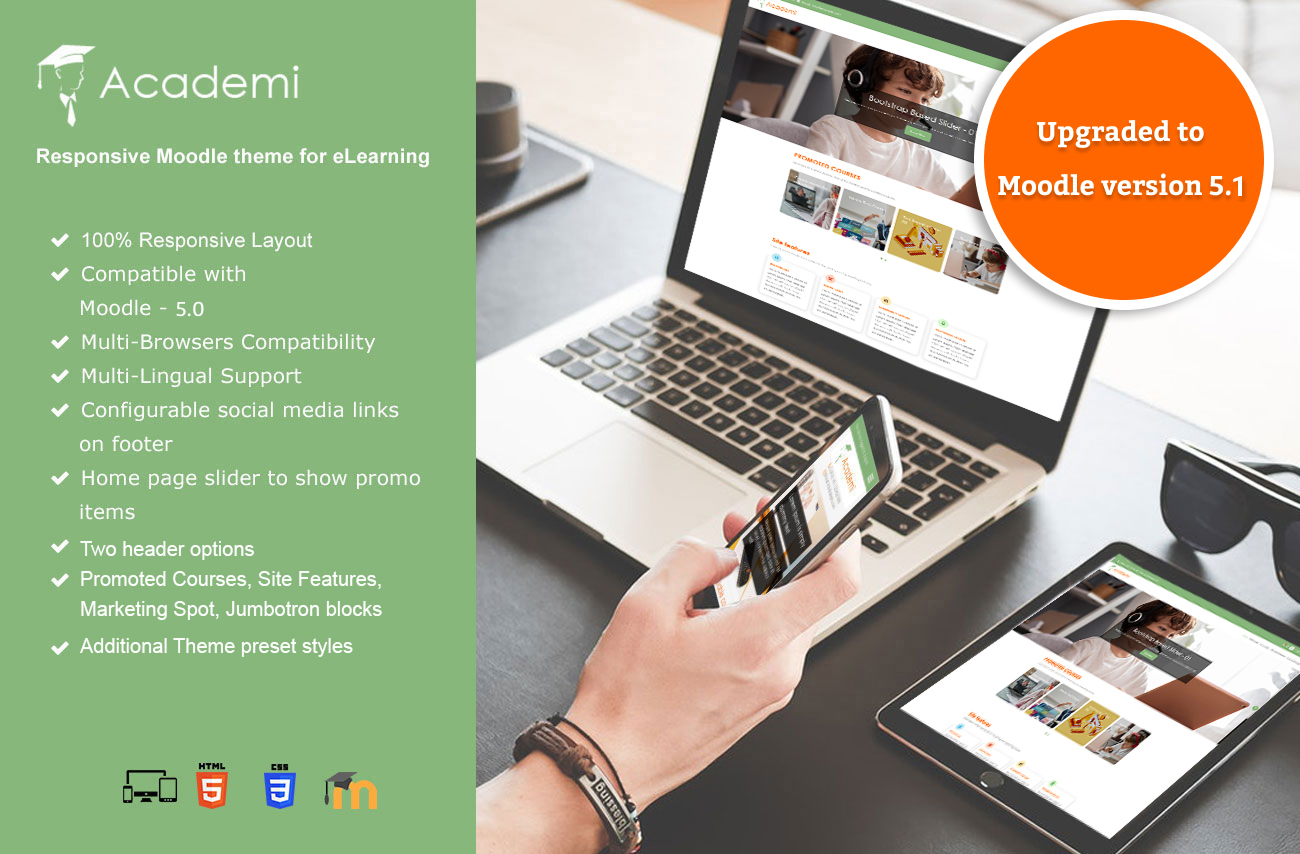
Additional Features:
Default Header Style

Theme Header Style

Theme Presets Style

Promoted Courses

Site Features

Marketing Spot

Jumbotron

Course Categories

Course Combo

Academi Footer

Changelog:
18/12/2025
- Upgraded to support Moodle version - 5.1
- Moodle-5.1 new features
- Style issues updated
3/5/2025: v5.0.1
- Resolved issues with multilingual support in the theme.
- Removed deprecated classes from the theme to ensure compatibility with the latest Moodle standards.
3/5/2025: v4.5.1
- Resolved issues with multilingual support in the theme.
29/04/25: v5.0
- Upgraded to support Moodle version 5.0
- Fixed the new preset primary & secondary colour option.
04/01/25: v4.5
- Upgraded to support Moodle version 4.5
- Fixed the footer background overlay colour.
08/08/24: v4.4.2
- Fixed the Font Awesome link in the default value for the Site Features block.
- Fixed the 'Course Categories' block to arrange categories in the next row when many categories are added.
12/06/24: v4.4.1
- Footer spacing alignment
05/06/24: v4.4
- Fixed:
1. Added New Communication icon (V4.3)
2. Home page slider auto-play and auto-play interval time issues
3. Font Awesome icon
4. Administration UI tab
5. Multi-language support for footer Info links.
6. New Twitter (X) logo on Footer
- Features
1. Custom warning alert block when the front page block is enabled but not configured
2. Site features title link URL added
3. Inner Page background image settings added
17/04/24: v4.3.3
- Fixed the message drawer style conflicting with the header on responsive layouts.
02/01/24: v4.3.2
- Fixed the Font Awesome icon issue
24/10/2023: v4.3
- Updated the academi theme source for Moodle version 4.3.
- Fixed the footer column issue.
- Changed the design of the Marketing spot, Course categories, and Combo list on the Homepage for all the presets.
31/08/2023: v4.2.2
- Added a new font size option for the content in the theme.
31/08/2023: v4.2
- Upgraded to support Moodle version 4.2
- Two header options as the Default boost and the academi theme header.
- Theme preset designs, such as Eguru, Klass, Enlightlite and preset settings added.
- Colour picker option for Primary and Secondary colours.
- Homepage additional blocks added, such as Promoted Courses, Site Features, Marketing Spot and Jumbotron block.
- Updated the new design for the Homepage slider and Available courses.
- The footer has been updated with multiple columns and added a Background image option.
Source and Credits:
Useful links
Screenshots


I have a question: how do I enable navigation from one activity to another? I've seen other themes use the .activity-navigation class, with their respective #prev-activity and #next-activity buttons.
Is this possible?
You can update the phone number and email by navigating to:
Site administration → Appearance → Themes → Academi (click the settings icon) → Footer → Footer Block 3
There, you’ll find the fields to edit the phone number and email. Once updated, the changes will reflect in both the header and footer of your site.
To display the list of course categories on the homepage, follow these steps:
1. Go to Site administration > General > Site home settings.
2. Under the Site home and Site home items when logged in sections, you'll find a few dropdown menus.
3. From the dropdown, select List of categories. This will display the course categories directly on the homepage.
You can customize the site's appearance by:
1. Navigating to Site administration > Appearance > Themes.
2. Clicking on the gear icon in the Academi.
3. Selecting General > Theme preset.
Here, you'll find various preset layouts that will change the overall look of the site.
If I'm wrong or if you have a quick fix for this, please let me know.
Thank you very much for your message and for your appreciation of the Academi theme. We are currently in the process of testing and upgrading the theme for full compatibility with Moodle 5.1. The updated release is scheduled for availability by the end of next week.
Best regards,
Abinesh
Business Development Executive
LMSACE
The Academi theme has been successfully released and is now fully compatible with the latest Moodle version 5.1.