Moodle Plugins directory: Scientific Calculator | Moodle.org
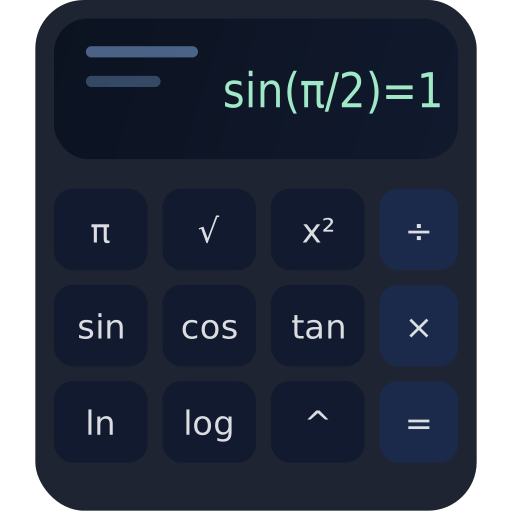
Scientific Calculator
 Eduardo Kraus
Scientific Calculator
This is a Moodle activity module that adds a clean, fast, scientific calculator directly inside your course - perfect for math, physics, engineering, finance, and STEM training where students need a reliable tool without leaving the LMS.

What the plugin solves (in practice)
In many courses, students constantly switch tabs to external calculators. This activity keeps them focused, consistent, and productive - with a calculator always available inside Moodle, without relying on third-party sites or extensions.
How it works
The activity renders a Mustache template and loads a lightweight AMD module that handles input, parsing, and calculation entirely in the browser (client-side). That means fast interaction and no server load for each key press.
- Type an expression → press Enter or
=. - Functions insert as
sin(,sqrt(,pow(to speed up usage. - History items are clickable → reuse results instantly.
eval(), the calculator processes the expression with:- Tokenization (numbers, identifiers, operators)
- Shunting-yard algorithm (infix → RPN)
- RPN evaluation with a strict operator/function set
- Add to any topic/week or section.
- Works great alongside PDFs, lessons, and problem sets.
- No personal data storage (privacy-friendly default).
Supported functions & constants
Expressions support common scientific operators, constants, and functions. Use ^ for power and ! for factorial. Constants are case-insensitive.
+-*/%^- Parentheses:
- Factorial:
!
pi(π)e(Euler’s number)
sin(x)cos(x)tan(x)asin(x)acos(x)atan(x)
sqrt(x)abs(x)exp(x)ln(x)log(x)pow(a,b)min(a,b)max(a,b)floor(x)ceil(x)round(x)
sin(pi/2)+sqrt(9)*2).Support
For issues and improvements, open a GitHub issue including: Moodle version, steps to reproduce, expression examples, and browser console logs (if relevant).
- Keep the calculator name clear (e.g., "Calculator (Math Support)").
- Place it near problem sets and formula resources.
- Encourage students to write expressions with parentheses.
- Use examples in the activity description for faster onboarding.
- No core modifications.
- No external dependencies.
- Fast and responsive client-side UX.
- Privacy-friendly by default (no student data stored).
- Easy to extend (RAD/DEG, memory keys, saved history, exercises).
Useful links
Screenshots

Contributors


Comments