Moodle Plugins directory: All in One Accessibility® | Moodle.org

All in One Accessibility®
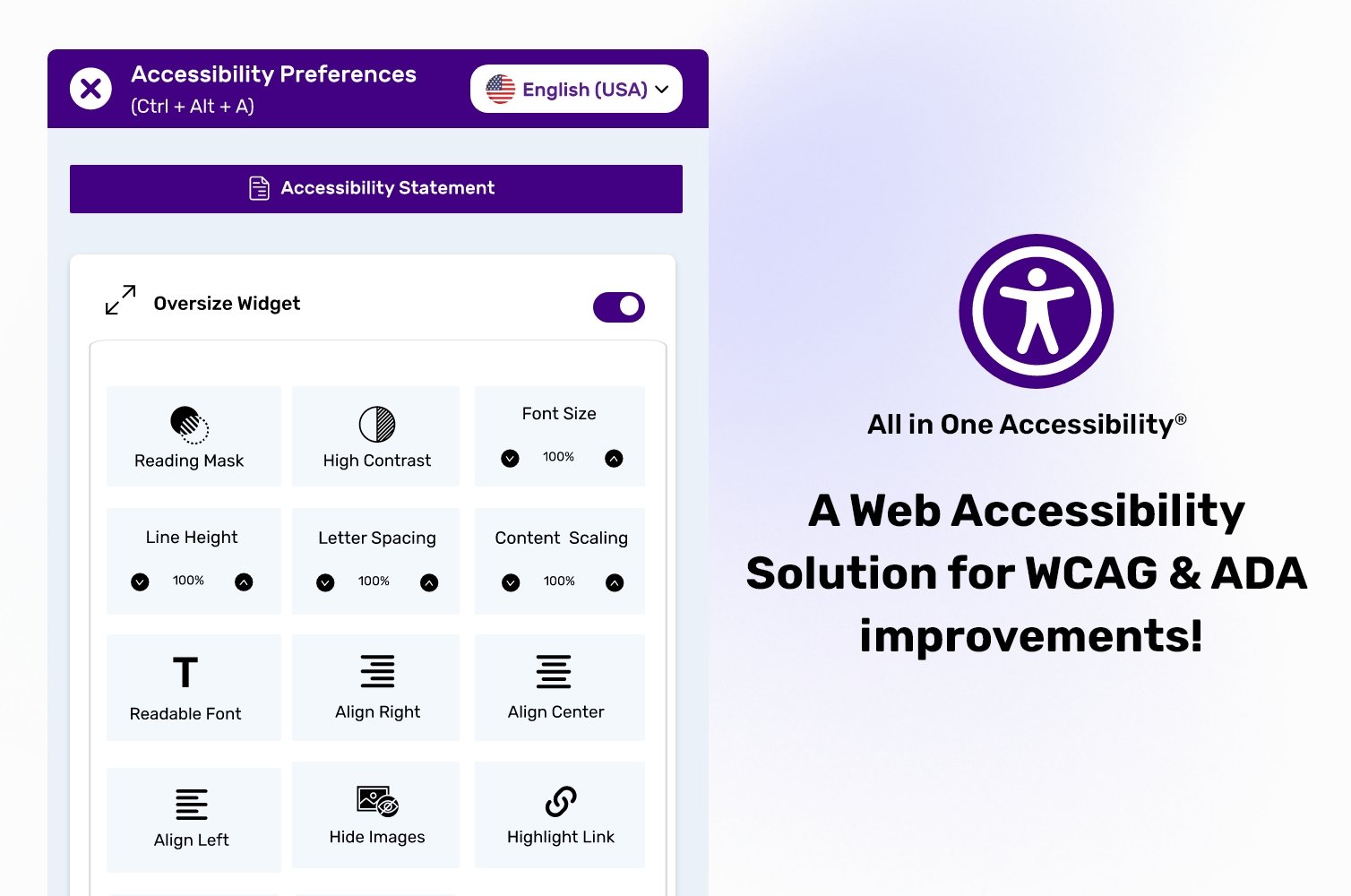
Moodle free accessibility plugin - All in One Accessibility® is a comprehensive accessibility enhancement tool designed for websites and applications powered by Moodle. This solution makes it easy to provide a more inclusive digital experience by adding an accessibility interface that supports users with diverse needs, including visual, cognitive, motor, and hearing impairments.
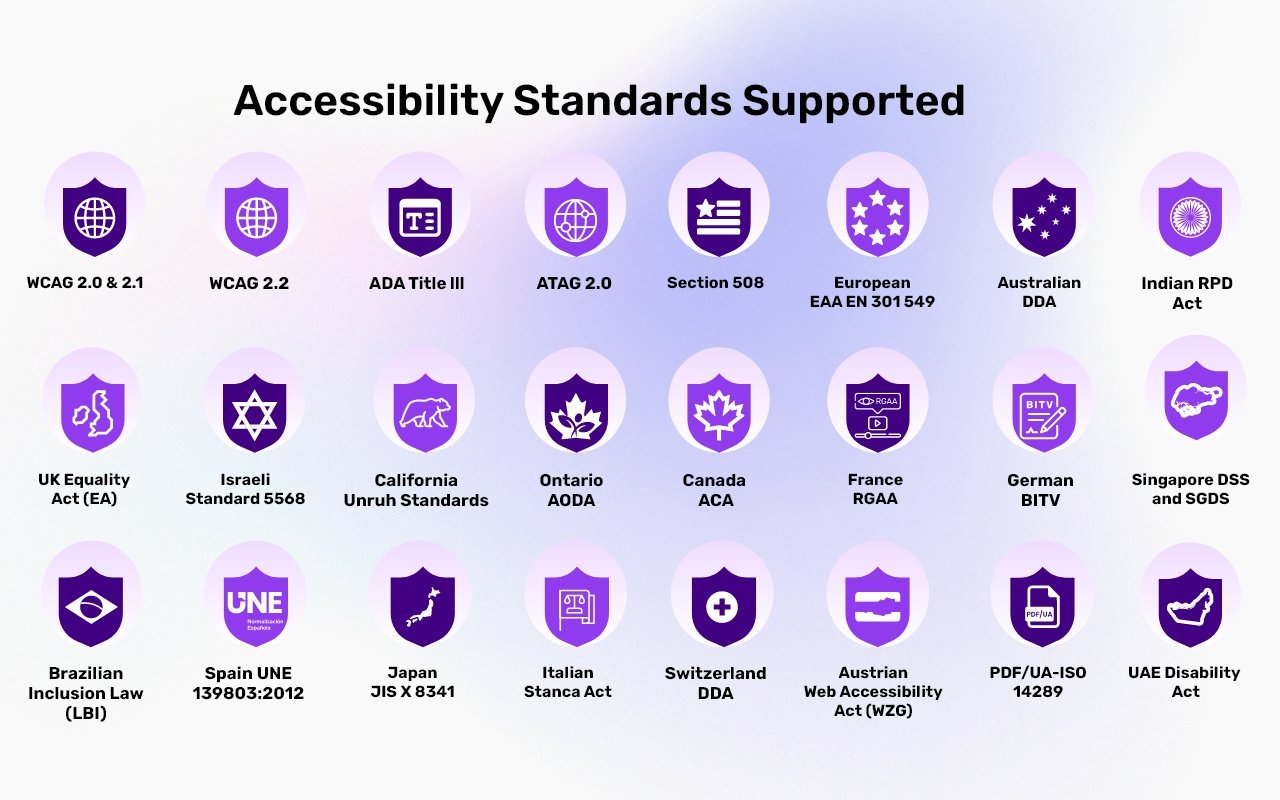
With a simple script installation on frontend - whether built in React, Next.js, Vue, Nuxt, Angular, or traditional HTML - the widget instantly activates a free suite of accessibility features. The Moodle free accessibility widget offers a practical, efficient way to help website align with WCAG 2.1, 2.2, ADA, EAA, Section 508, California Unruh, France RGAA, UK Equality Act, Spain UNE 138903:2012, Australian DDA, Israeli Standard 5568, Ontario AODA, Canada ACA, German BITV, Brazilian Inclusion Law (LBI 13.146/2015), JIS X 8341 (Japan), Italian Stanca Act, Indian RPwD Act, Switzerland DDA, and other accessibility standards.
It eliminates the need for complex coding updates, allowing teams to strengthen accessibility quickly and consistently across all content served by Moodle. Whether you’re managing large-scale digital presence or launching a new project, this free accessibility plugin ensures Moodle powered website is more welcoming, compliant, and easier for everyone to interact with. This free accessibility widget quickly add essential accessibility features through a lightweight, easy to install solution that supports inclusive browsing and compliance efforts. With this free AI accessibility plugin, improve usability for visitors with visual, motor, cognitive, and other accessibility needs - helping to reach broader audience and enhance overall user experience.
It reinforces brand’s professionalism by aligning site with modern expectations around accessibility and ethical web practices. It provides a straightforward way to strengthen website’s commitment to accessibility without complicating Moodle workflow. It helps organizations demonstrate responsibility and inclusivity, enhancing trust with users who expect accessible digital experiences. It integrates naturally into Moodle’s flexible framework, making it easy to adopt while preserving site’s custom design and structure.
Which features are available at free WCAG accessibility Moodle widget?
- Auto-detect language
- Supports 190+ multi-languages
- Skip to Navigation / Content / Footer
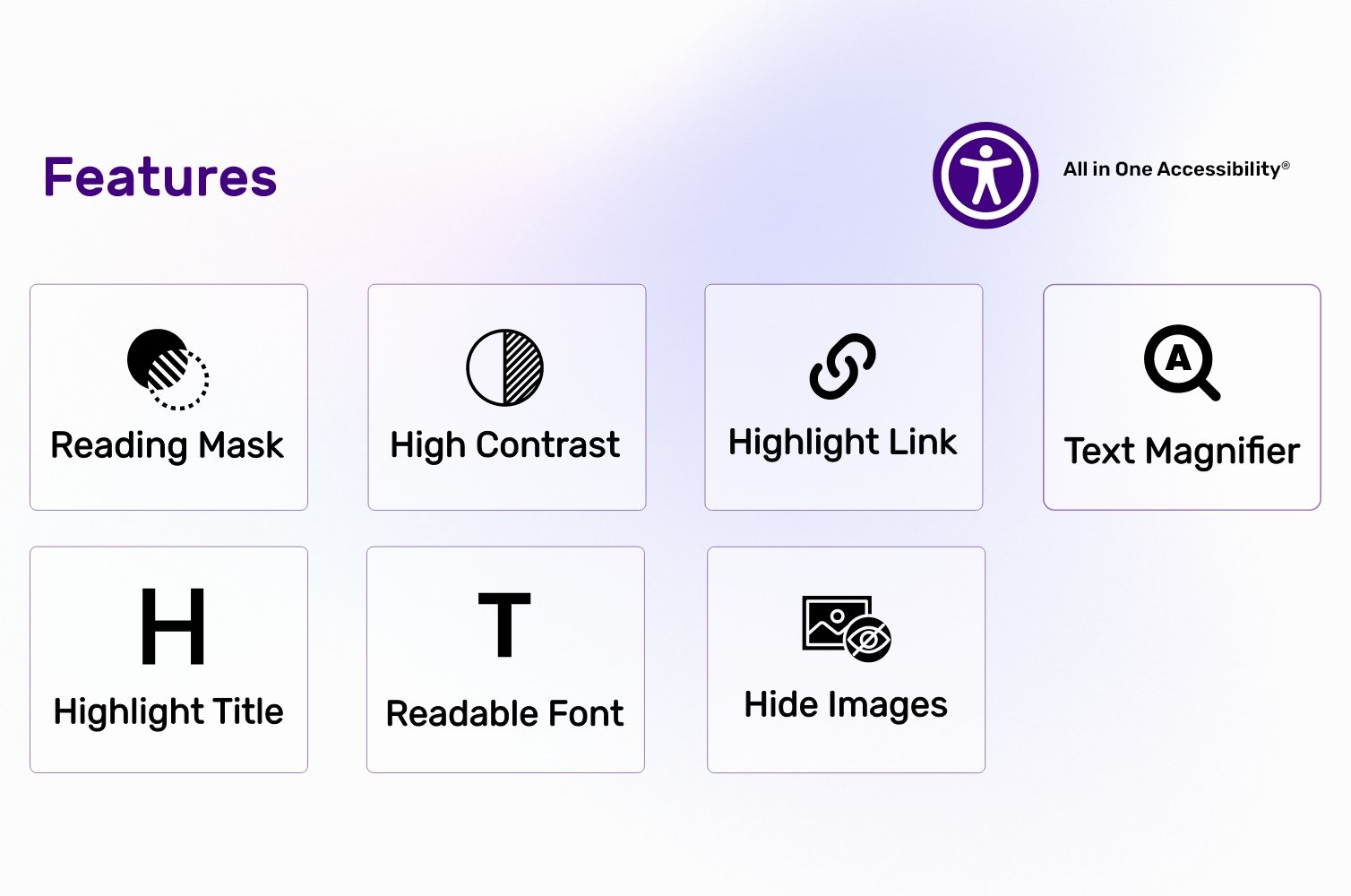
- Content Adjustment Options
- Visual & Color Adjustments
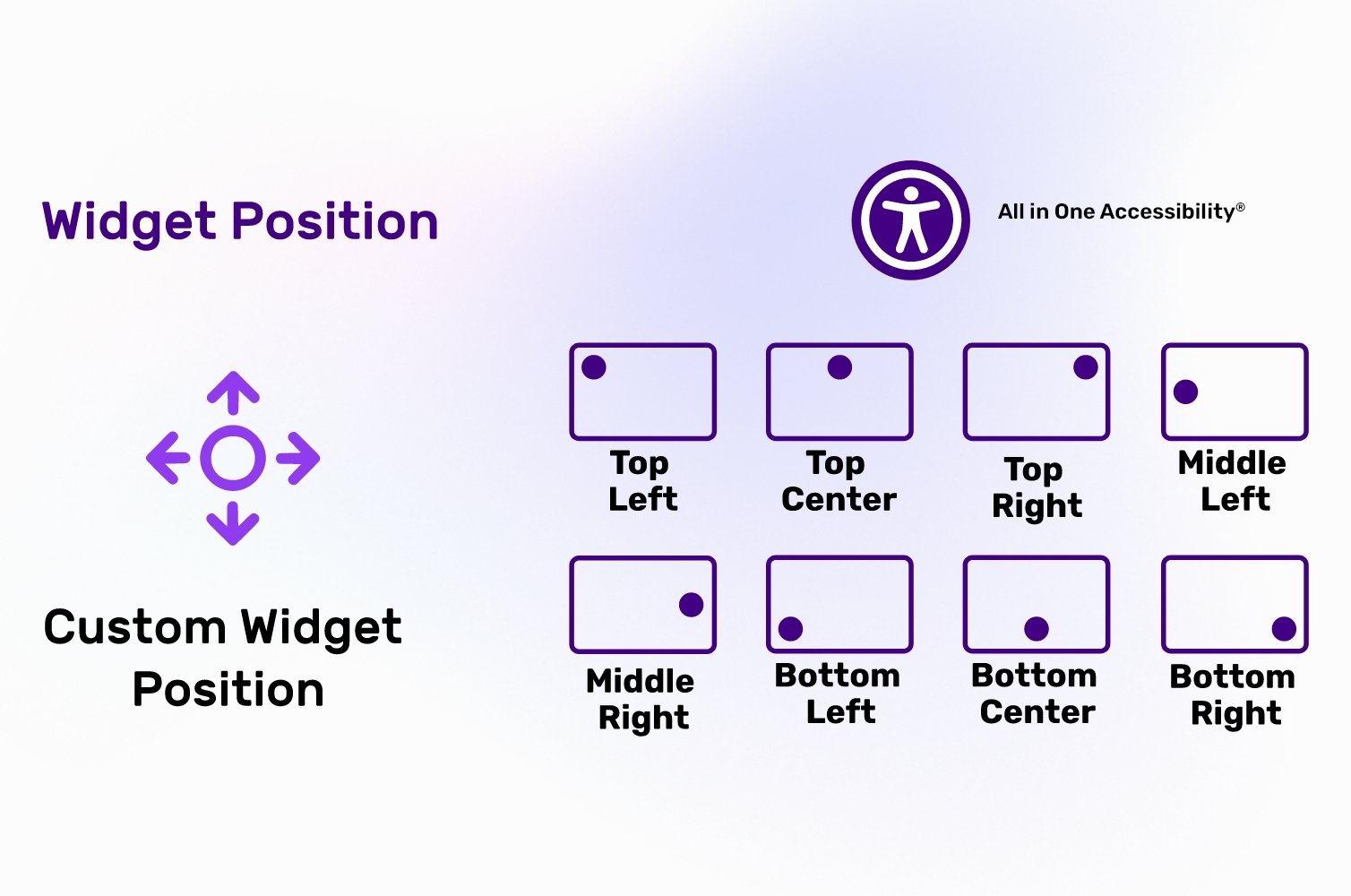
- Widget customization including colors, size, icon, and position
- Reading mask
- Accessibility statement
Explore the free accessibility widget features guide.
SECURITY & PRIVACY NOTES
- This Free Accessibility Moodle plugin follows several data and application security practices, including ISO 9001:2015 & ISO 27001:2013, GDPR, CCPA, COPPA, HIPAA,and SOC 2 Type II.
- Skynet Technologies USA LLC is an organizational member of IAAP and of W3C.
- No personal data is intentionally stored by the module itself. Site owners are responsible for reviewing their own compliance requirements.
LIMITATIONS
- Some advanced features require a commercial subscription.
For more details, visit Moodle accessibility plugin.
FAQS
Does this free Moodle accessibility plugin support multilingual MOODLE stores?
Yes. It supports 190+ languages.
How can I upgrade from free to Paid Moodle accessibility widget for upgrading accessibility features?
Upgrade to Paid subscription with 70 plus advanced features and take website’s accessibility to the next level. Checkout the steps for upgrading free to paid Moodle accessibility widget.
What additional features are available in the paid version of Moodle WCAG app?
The paid version of Moodle accessibility widget includes following features like screen reader, voice navigation, talk & type, virtual keyboard, accessibility profiles tailored for different users with disabilities group, Libras (Brazilian sign language), dictionary search, multi-language support (140+ languages), and many more. Pricing starts from $25 / month. Explore more information about accessibility widget and buy now.
Supported Languages (190+ Languages)
English (USA), English (UK), English (Australian), English (Canadian), English (South Africa), Español, Español (Mexicano), Deutsch, عربى, Português, Português (Brazil), 日本語, Français, Italiano, Polski, Pусский, 中文, 中文 (Traditional), עִברִית, Magyar, Slovenčina, Suomenkieli, Türkçe, Ελληνικά, Latinus, Български, Català, Čeština, Dansk, Nederlands, हिंदी, Bahasa Indonesia, 한국인, Lietuvių, Bahasa Melayu, Norsk, Română, Slovenščina, Svenska, แบบไทย, Українська, Việt Nam, বাঙালি, සිංහල, አማርኛ, Hmoob, မြန်မာ, Eesti keel, latviešu, Cрпски, Hrvatski, ქართული, ʻŌlelo Hawaiʻi, Cymraeg, Cebuano, Samoa, Kreyòl ayisyen, Føroyskt, Crnogorski, Azerbaijani, Euskara, Tagalog, Galego, NorskBokmål, فارسی, ਪੰਜਾਬੀ, shqiptare, Hայերեն, অসমীয়া, Aymara, Bamanankan, беларускі, bosanski, Corsu, ދިވެހި, Esperanto, Eʋegbe, Frisian, guarani, ગુજરાતી, Hausa, íslenskur, Igbo, Gaeilge, basa jawa, ಕನ್ನಡ, қазақ, ខ្មែរ, Kinyarwanda, Kurdî, Кыргызча, ພາສາລາວ, Lingala, Luganda, lëtzebuergesch, македонски, Malagasy, മലയാളം, Malti, Maori, मराठी, Монгол, नेपाली, Sea, ଓଡିଆ, Afaan Oromoo, پښتو, Runasimi, संस्कृत, Gàidhlig na h-Alba, Sesotho, Shona, سنڌي, Soomaali, basa Sunda, kiswahili, тоҷикӣ, தமிழ், Татар, తెలుగు, ትግሪኛ, Tsonga, Türkmenler, Ride, اردو, ئۇيغۇر, o'zbek, isiXhosa, יידיש, Yoruba, Zulu, भोजपुरी, डोगरी, कोंकणी, Kurdî, Krio, मैथिली, Meiteilon, Mizo tawng, Sepedi, Ilocano, دری
Installation Steps via uploaded ZIP file
- Log in to your Moodle site as an admin and go to Site administration > Plugins > Install plugins.
- Upload the ZIP file with the plugin code. You should only be prompted to add extra details if your plugin type is not automatically detected.
- Check the plugin validation report and finish the installation.
Afterwards, log in to your Moodle site as an admin and go to Site administration > Notifications to complete the installation.
Alternatively, you can run
$ php admin/cli/upgrade.php
to complete the installation from the command line.
• Check out our Moodle WCAG ADA accessibility widget installation steps.
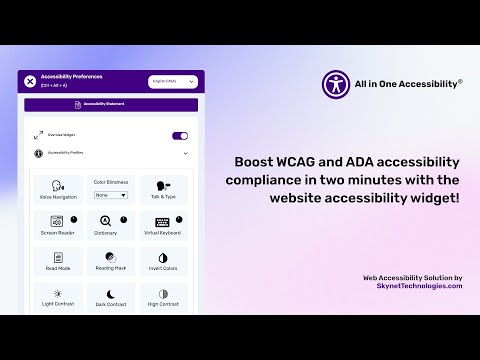
Visit the MOODLE Accessibility Improvements Demo to see how does it perform with improved accessibility features:
CORS Policy Configuration
To avoid CORS policy issues, ensure the following URLs are allowed in your website. These URLs should be added to your CORS configuration or trusted domains list.
| Domain | Description | Usage |
|---|---|---|
https://*.skynettechnologies.com |
Skynet Technologies (Global Domain) | API access and resources |
https://*.skynettechnologies.us |
Skynet Technologies (US Domain) | API access and resources |
https://*.googleapis.com |
Google APIs | Services like Fonts, Translation |
https://*.gstatic.com |
Fonts APIs | Custom Fonts |
https://vlibras.gov.br |
VLibras - Brazilian Sign Language Service | Sign Language |
https://ipapi.co/json |
IP Location | Get IP based location |
Instructions
- Update your server's CORS configuration to include these URLs.
- Ensure wildcard subdomains (*) are supported where necessary.
- Verify the application functionality by testing requests to these domains.
- If issues persist, consult the documentation for CORS configuration guidance.
Documentation
- Moodle All in One Accessibility
- Moodle All in One Accessibility Extension installation steps blog
- All in One Accessibility - Features Guide
Submit a Support Request
Please visit our support page and fill out the form. Our team will get back to you as soon as possible.
Send Us an Email
Alternatively, you can send an email to our support team: <strong>hello@skynettechnologies.com</strong>
Accessibility Paid Add-on Services
MOODLE manual accessibility audit
- Enhance inclusivity and user experience by evaluating MOODLE website’s accessibility by web accessibility consultant.
- WCAG 2.0 / WCAG 2.1 / WCAG 2.2 Level AA conformance testing
- Automated, semi-automated testing
- Manual testing
- Simple before-after UI/UX recommendations on how to fix the issues
- Comprehensive audit report
MOODLE site manual accessibility remediation
Enhance MOODLE ecommerce store accessibility and inclusivity with our manual accessibility remediation add-on. This service includes fixing accessibility issues and thorough remediation of website manually. Our experts ensure accessibility with WCAG standards, improve user experience for those with disabilities, and provide a detailed report on the improvements made.
PDF/Document Accessibility Remediation
The PDF / Document Remediation provides a list of inaccessible PDFs and remediated PDFs from where you can request PDF remediation service.
VPAT Report/Accessibility Conformance Report (ACR)
The Voluntary Product Accessibility Template (VPAT), also known as an ACR (Accessibility Conformance Report) starts with an audit and provides current details for an accessible website, application, or any other digital assets.
Accessibility MOODLE Widget Paid Add-ons
Remove the Skynet Technologies logo as well as all of the footer links, popups, report a problem link and more for full white label control.
Instant live site translations for MOODLE stores
Translate MOODLE store into over 140 languages instantly to enhance accessibility for non-native speakers, individuals with language acquisition difficulties, and those with learning disabilities.
Modify Accessibility Menu for MOODLE Store
Build and fine-tune widget with the Modify Menu option. Reorder, remove and restructure the widget buttons to fit users’ specific accessibility needs.
MOODLE Accessibility Partnership Opportunities
MOODLE accessibility agencies partnership
Partner with us as an agency to provide comprehensive MOODLE ADA, EAA, WCAG accessibility solutions to clients. Get access to exclusive resources, training, and support to implement and manage accessibility features effectively.
MOODLE accessibility affiliate partnership
Sign up for our affiliate program and earn commissions by promoting accessibility MOODLE module. Share our widget with your network and help businesses improve their website accessibility while generating revenue.
For more details, explore MOODLE accessibility partnership opportunities
Screenshots


Credits
This addon is developed and maintained by website accessibility company - Skynet Technologies USA LLC
Current Maintainers
License
All in One Accessibility is licensed under the GNU General Public License - see the LICENSE file for details
Screenshots


Comments